 Pomelo
Any file. Any format.
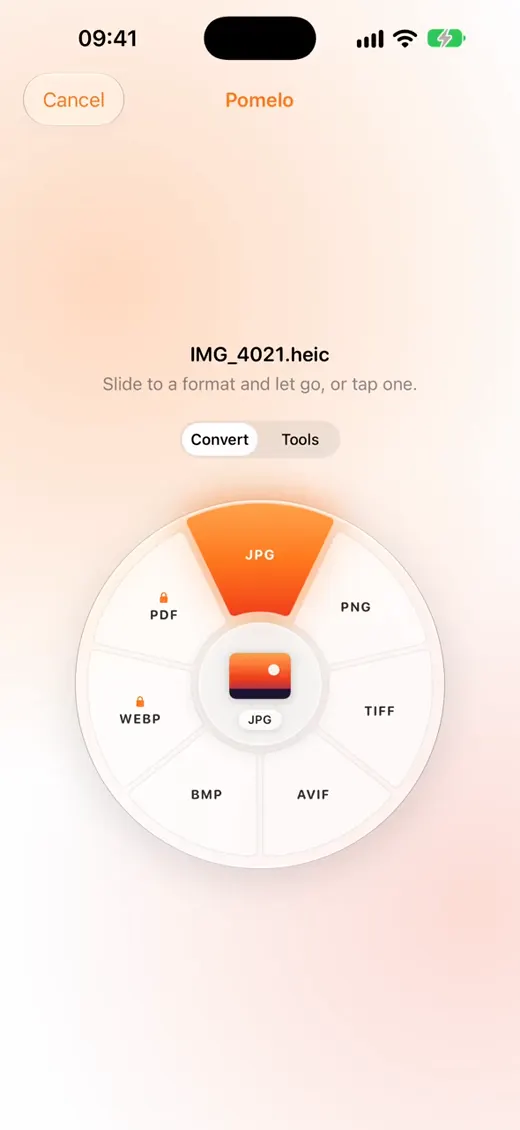
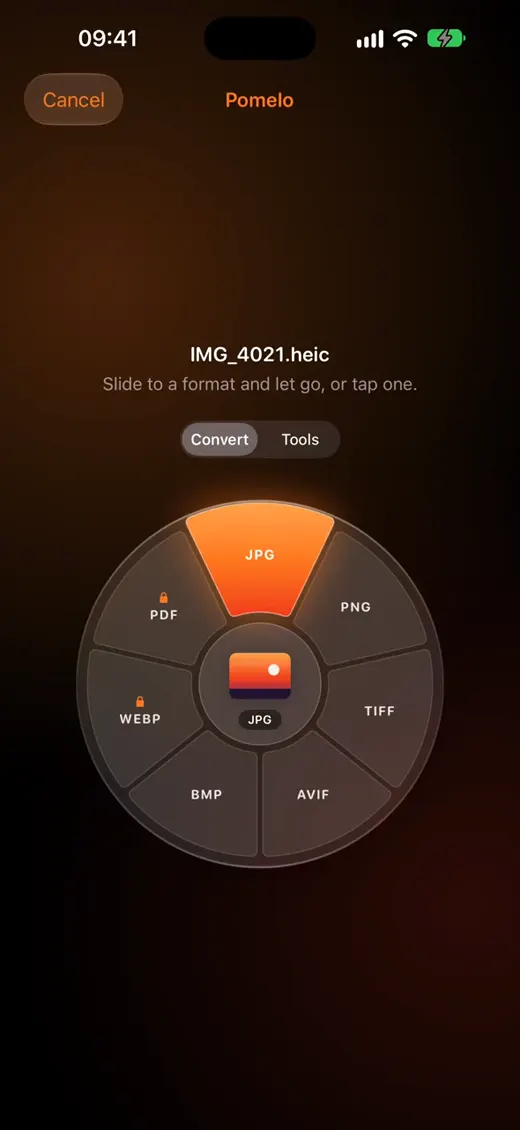
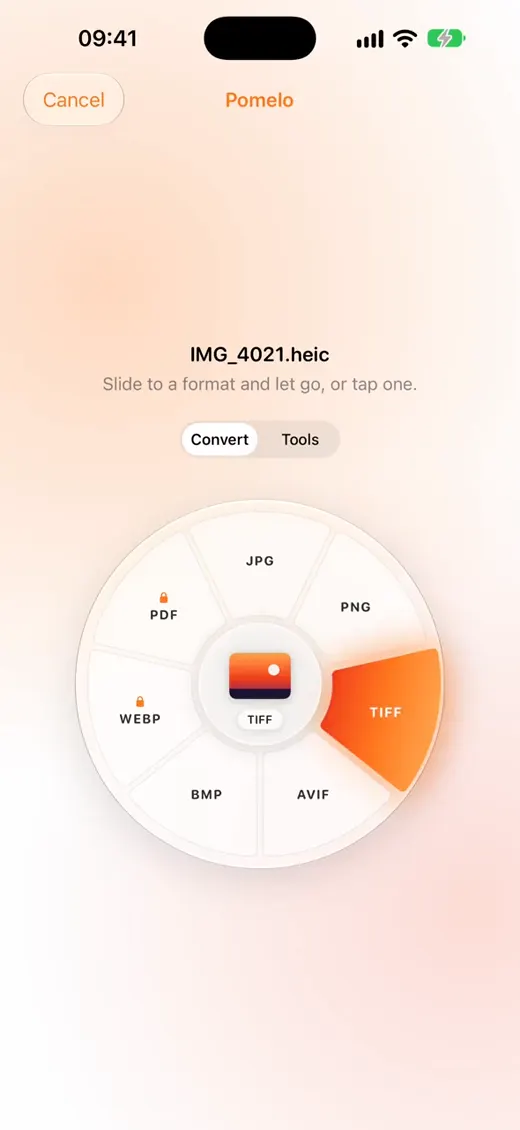
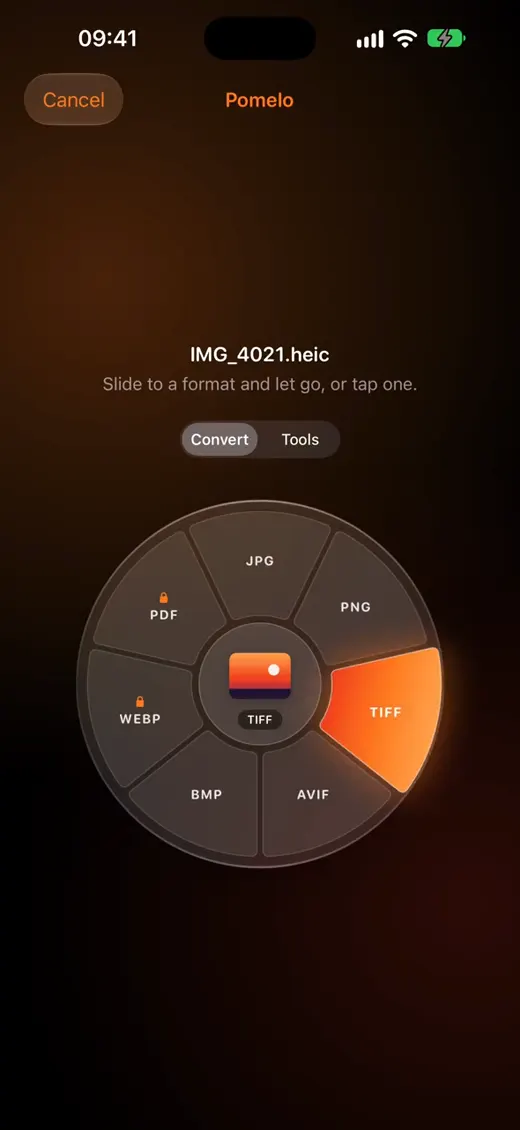
Share a photo, video, song or document and pick Pomelo. A wheel of formats opens around it: slide to one and let go.
Coming soon to the App Store
IMG_4021.heic → IMG_4021.jpg3.1 MB → 1.2 MB · Example
Three moves, no app switching
Share
In Photos, Files, Safari or any app, tap Share and pick Pomelo.
Slide
The wheel opens around your file. Slide to a format and let go.
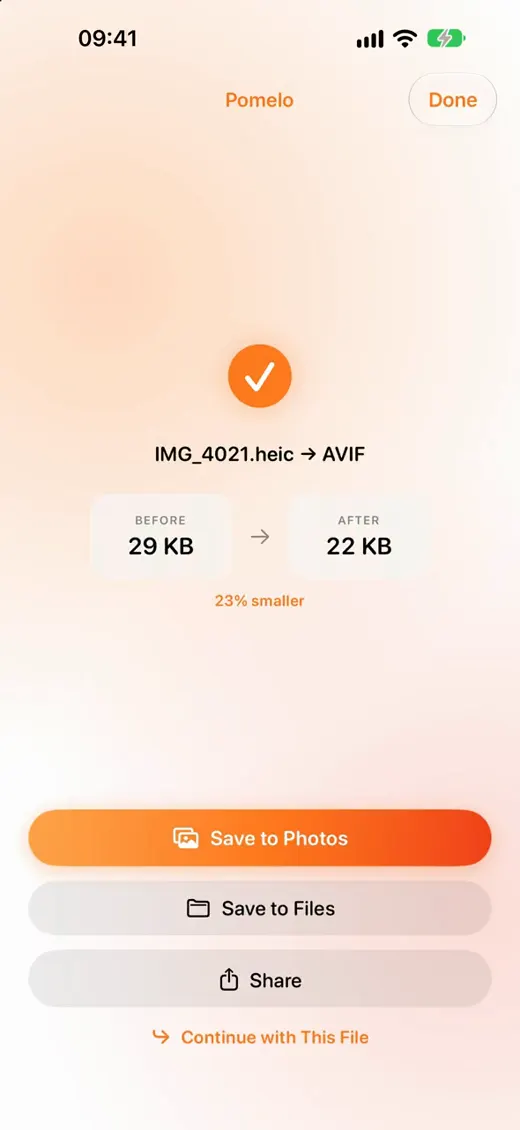
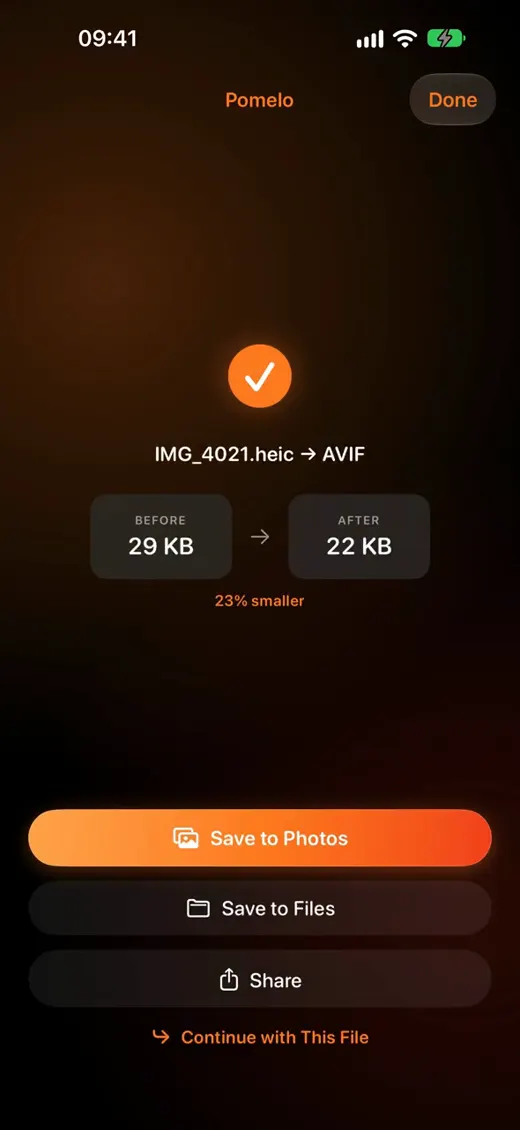
Done
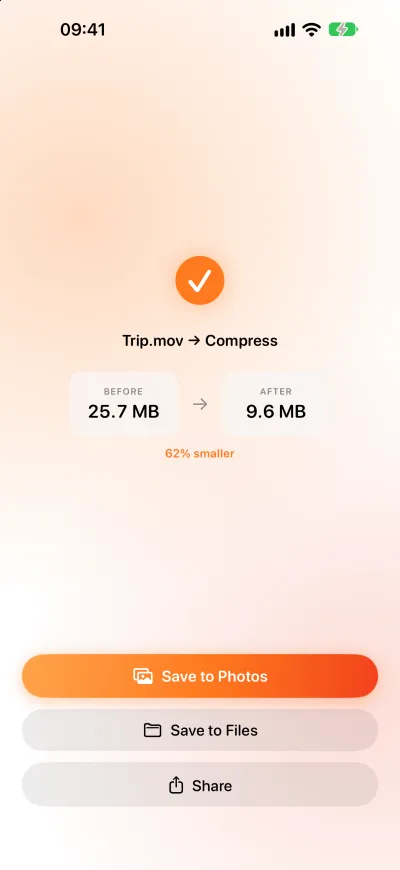
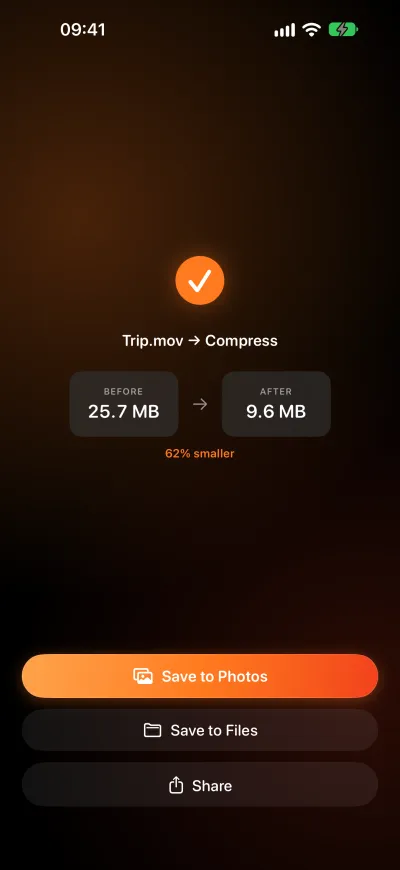
See the size before and after, then save to Photos or Files, or share it on.
Converts what you actually have
HEIC to JPG, PNG, TIFF, AVIF, BMP, WEBP or PDF. Live Photos and GIFs to video.
MOV ↔ MP4, or pull the audio out as M4A.
M4A, WAV and AIFF, from MP3, FLAC and more.
Word, PowerPoint, Excel, text, HTML and Markdown to PDF or images. Text and PDF to EPUB. CSV ↔ TSV, SRT ↔ VTT.
And a second wheel of tools
Swipe from Convert to Tools. Compress always keeps the original format, and if the result isn’t smaller, Pomelo tells you instead of handing you a worse file.
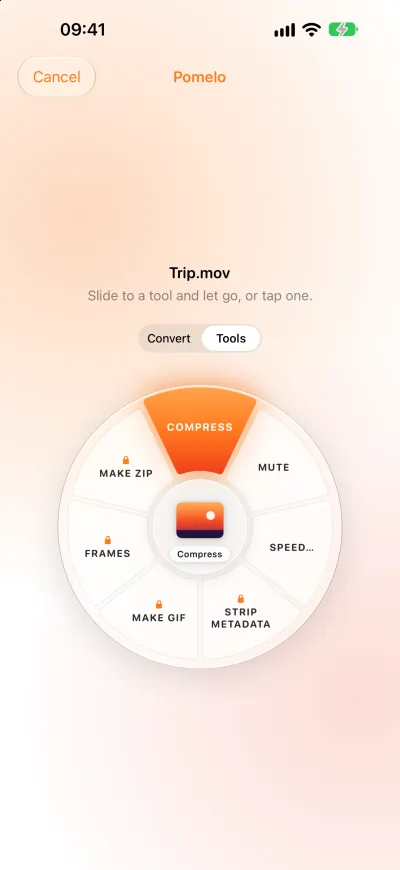
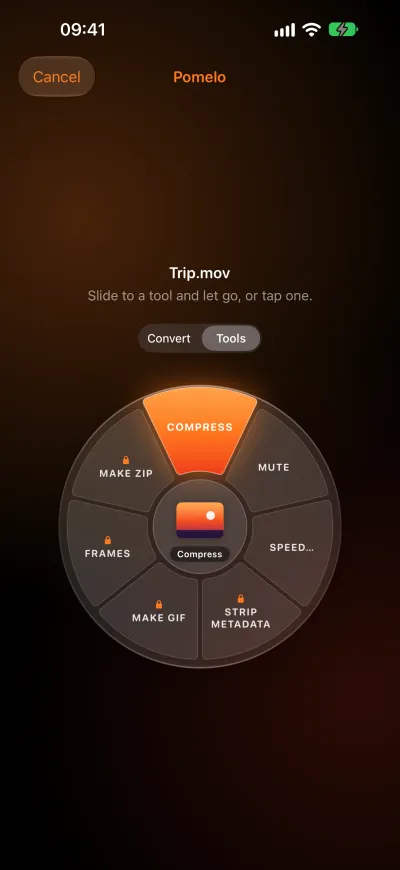
- Compress photos, videos, audio and PDFs
- Remove location and metadata before you share
- Extract text from photos and scanned PDFs
- Read QR codes
- Make a PDF from photos, merge and split PDFs
- Remove the background of a photo
- Turn a video into a GIF or stills
- Speed up, slow down or mute a video
- Normalize audio that’s too quiet
Nothing leaves your device.
Pomelo runs on Apple’s own frameworks, right on your iPhone or iPad. Your files are never uploaded, because there’s nowhere to upload them to.
No uploads
No account
No tracking
Free to use. Pro when you want more.
Free
Conversions, one file at a time · Compress · Extract Text and Read QR · Mute and Speed
Pro
Pomelo Pro is a one-time purchase. No subscription, and it works with Family Sharing.
Batches of files · Convert to PDF, GIF, WEBP and EPUB · Remove Location & Metadata · Make ZIP, Make PDF, Remove Background · Every other tool and quick action
Pomelo is almost here.
Coming soon to the App Store